Pinterest Video Guide
Pinterest Video Downloader Reddit: What Actually Works in 2026
If you search Reddit for a Pinterest video downloader, you will quickly notice the same concern appearing again and again: users want a tool that actually works.
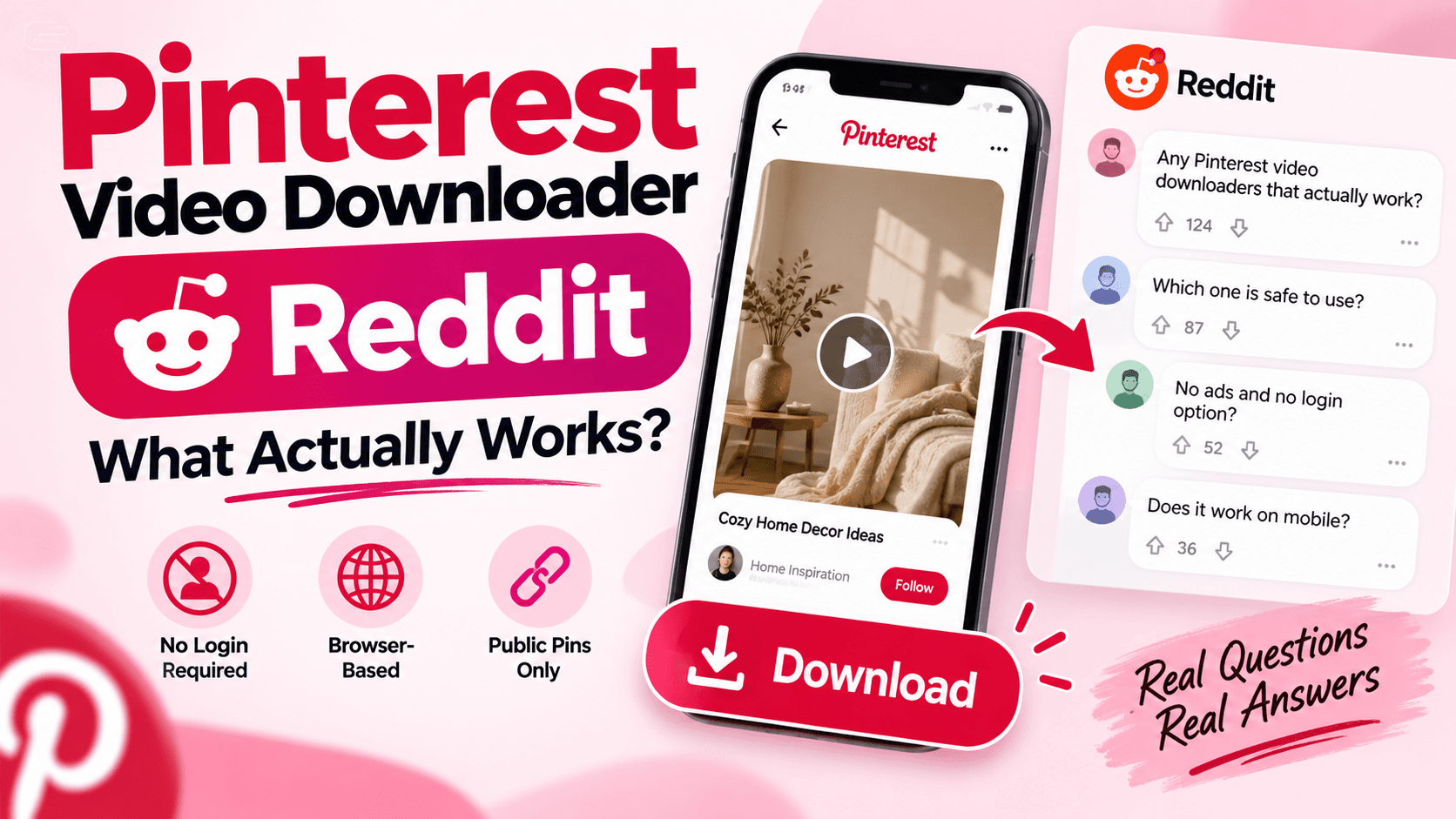
Some people report that downloaders stop recognizing Pinterest links, while others complain about unsupported URLs, broken extensions, intrusive ads, or tools that simply fail to return a video. That makes choosing a downloader less about flashy promises and more about reliability, simplicity, and whether the tool can process the public Pin you are trying to save.
This guide explains what common Reddit discussions reveal about Pinterest video downloading, why some tools fail, and what you should check before using one.
What Reddit Users Look for in a Pinterest Video Downloader
Most users are not looking for complicated software. They usually want a straightforward process that lets them copy a Pinterest Pin link, paste it into a browser-based downloader, process the public Pin, and save the available video.
Reliability, no-login access, available video quality, and avoiding unnecessary extensions or aggressive redirects are common concerns.
The most useful question is simple: can the downloader correctly process the Pinterest Pin you want to save?
Why Pinterest Video Downloaders Sometimes Stop Working
A downloader can fail even when it worked before. Several different issues can cause this.
The Pin Link Is Incomplete or Incorrect
Shortened links and copied URLs can sometimes redirect differently. If a downloader says the link is unsupported, open the original Pinterest Pin and copy the link again using Pinterest's Share option.
The Pin Is Private or Unavailable
Most browser-based downloaders work with publicly accessible Pins. A private, deleted, restricted, or unavailable Pin may not be downloadable.
Pinterest Changed How Media Is Delivered
Pinterest can change its page structure or media delivery. When that happens, an extension or downloader that worked previously may stop recognizing certain Pins.
The Pin Contains Different Media
Some Pins contain images, collages, GIF-style media, or other formats rather than a standard video. A downloader may therefore return something different from what the user expected.
Online Downloader vs Browser Extension
Browser extensions can be convenient for frequent downloads, but they require installation and may stop working after browser or Pinterest changes.
An online downloader is simpler for occasional use. You copy the Pin URL, paste it into the tool, and process the link directly in your browser.
You can use our Pinterest Video Downloader for supported public Pinterest Pins.
How to Check Whether a Pinterest Downloader Is Working
- Open a public Pinterest Pin that contains a video.
- Copy the complete Pin URL.
- Paste the link into the downloader.
- Allow the tool to process the Pin.
- Download the available video if processing succeeds.
If one specific Pin fails, test another public video Pin. This helps determine whether the problem is with the downloader or the individual Pin.
For the complete process, read our How to Download Pinterest Videos guide.
What About HD, 1080p, or 4K?
Be careful with downloaders that claim every Pinterest video can be saved in HD, 1080p, or 4K. A downloader cannot create source quality that Pinterest does not provide.
The more accurate expectation is to download the best available version that can be extracted from the original Pin. If the source video is lower quality, simply labeling the result "4K" does not make it true 4K.
Can You Download an Entire Pinterest Board?
Downloading one video and downloading an entire Pinterest board are different tasks. A normal single-Pin downloader is designed to process one supported Pin at a time.
Bulk downloading hundreds of Pins or backing up an entire board usually requires a specialized bulk-download tool. Download Pin Video should therefore be used for supported individual public Pins rather than as a full Pinterest-board backup tool.
What to Look for Before Using a Pinterest Downloader
- Does it work with public Pinterest Pin links?
- Does it require a Pinterest login?
- Does it install extra software or extensions?
- Does it clearly show the available download option?
- Does it make unrealistic video-quality claims?
- Does it support the media type you are trying to save?
A simple browser-based tool is usually enough for users who only need to save an individual public Pinterest video.
Final Answer
If you searched for Pinterest video downloader Reddit recommendations, the main lesson from these discussions is that there is no single tool that will work perfectly with every Pin forever.
Pinterest changes, individual Pins vary, and downloaders can sometimes stop working. The practical approach is to use a simple downloader that supports public Pin URLs, does not require unnecessary account access, and provides the media quality that is actually available.
If a link fails, test another public Pin before assuming the downloader itself is broken.
Frequently Asked Questions
Why does a Pinterest downloader say my link is unsupported?+
The Pin may be private, unavailable, incorrectly copied, or using a media format the downloader cannot currently process.
Do I need to log in to Pinterest to use an online downloader?+
Not for supported publicly accessible Pins when using a browser-based downloader designed for public content.
Can Pinterest video downloaders always provide HD video?+
No. The final quality depends on the version Pinterest makes available for that Pin.
Can I download an entire Pinterest board with a normal video downloader?+
Usually not. Bulk-board downloading is a separate feature and should only be expected from tools that specifically support it.
Try a Public Pinterest Video
Paste a supported public Pinterest Pin into Download Pin Video and check the available video.
Open Pinterest Video Downloader